MCP Authentication
Dash implements the MCP server but not authentication. Before an AI client can connect to a private app, it must sign in. There are several ways to handle this depending on where your app is hosted.
Plotly Cloud
The simplest option is to Publish your app to Plotly Cloud. The platform handles OAuth using the same access controls as the rest of your app, meaning that you have no authentication code to write and no session tokens to manage. Only users who already have access to the app can connect an agent to it, and they authenticate through their Plotly Cloud account when their client connects.
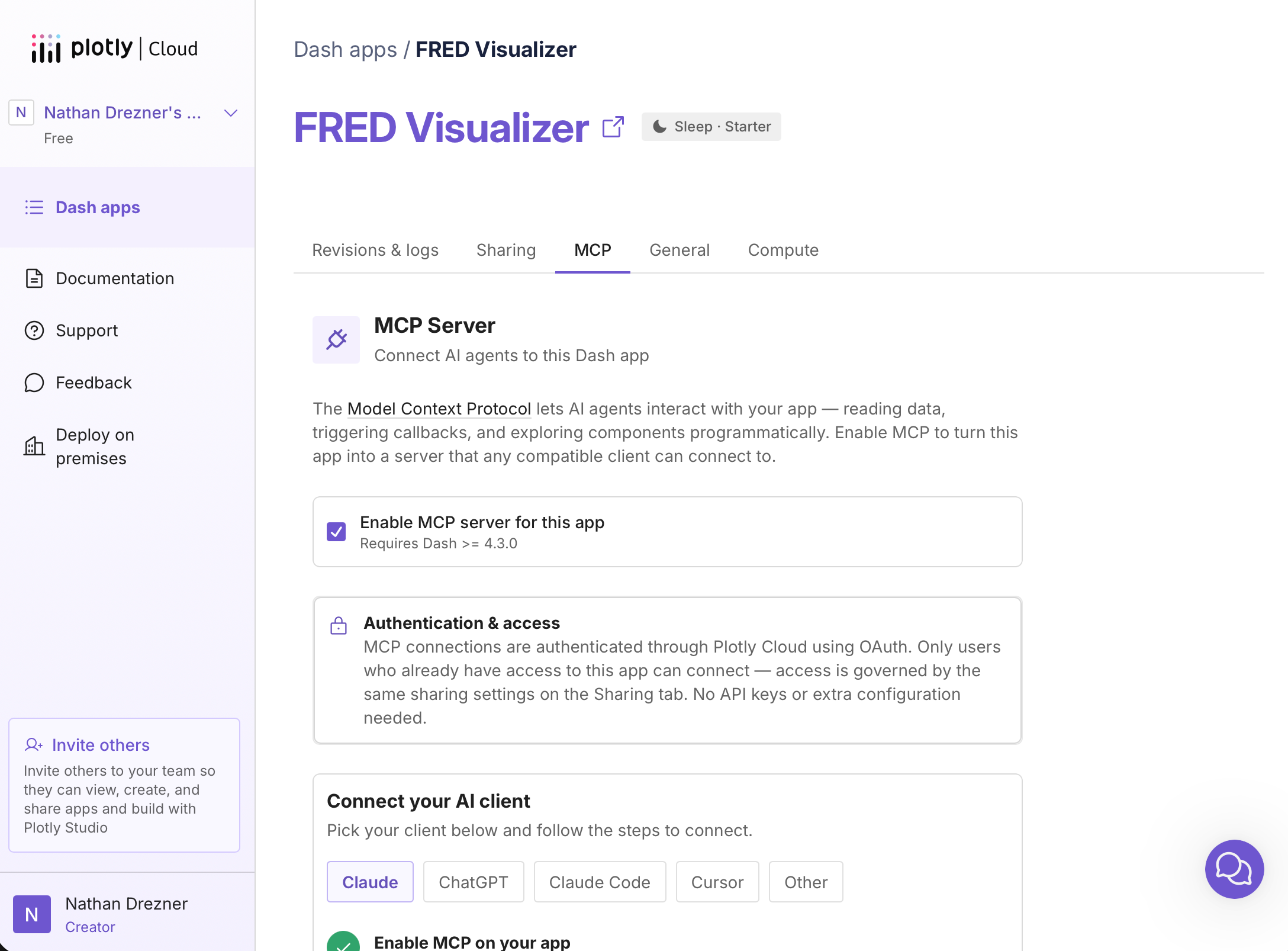
See Dash MCP on Plotly Cloud for full setup instructions.
Dash Enterprise
Similarly, if your organization has licensed Dash Enterprise, authentication is handled for you. Dash Enterprise authenticates using the same access controls as the rest of your app without any custom code. App owners enable MCP from the App Info and users sign in with their Dash Enterprise account when connecting their AI Agent.
<img>
See Dash MCP on Dash Enterprise for full setup instructions.
Self-Hosted Apps
If you’re hosting on your own infrastructure, implement the OAuth 2.0 authorization flow described in the MCP specification. This works with any MCP client that supports standard OAuth, including Claude, Claude Code, and more.