Plotly Studio Embedded
Plotly Studio Embedded is in beta and available on all Plotly Cloud plans.
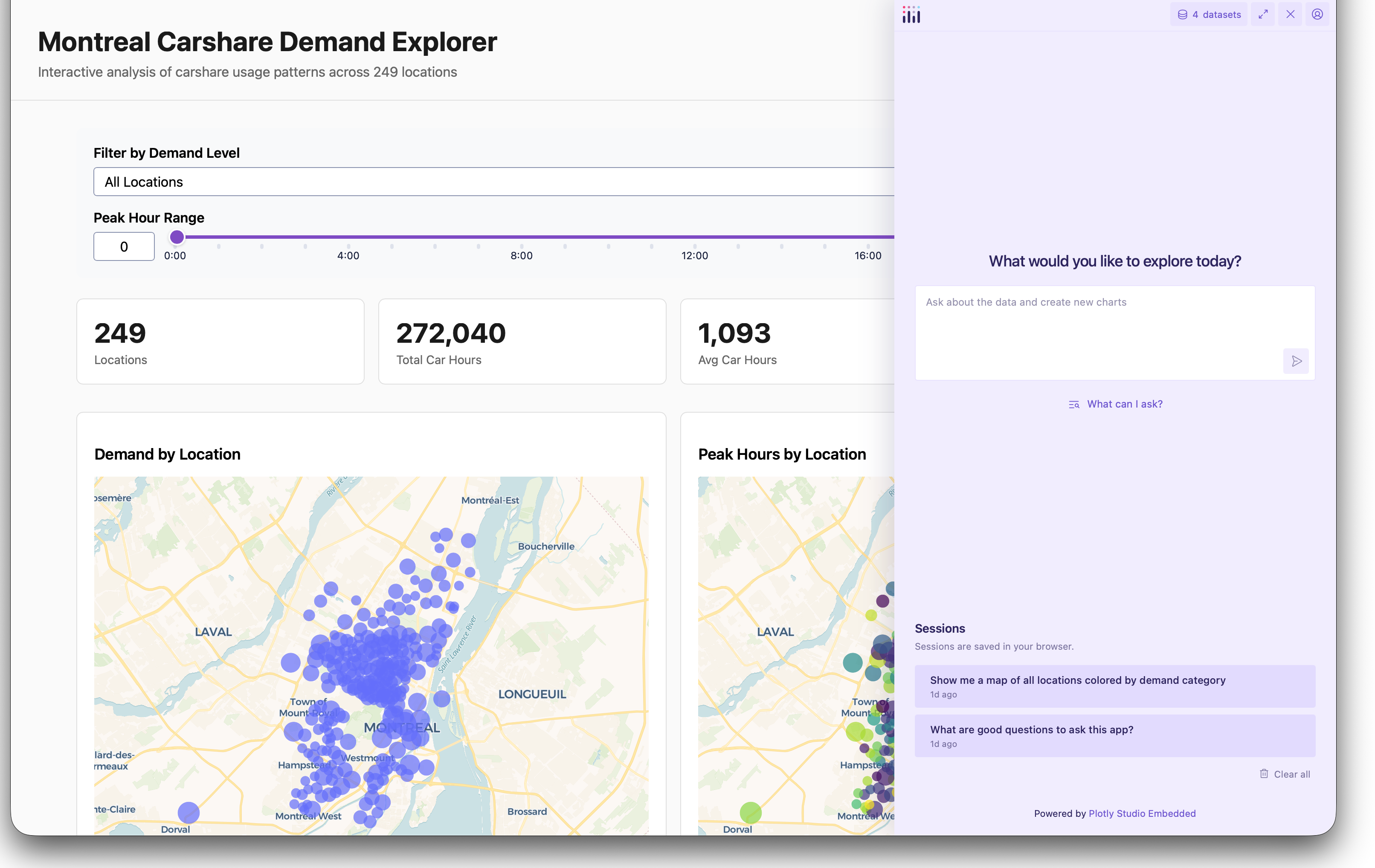
Plotly Studio Embedded adds a floating AI chatbot to your published Dash app, allowing app viewers to ask questions and explore the underlying data using natural language. The chatbot is powered by a large language model (LLM) and supports conversations in any language. Viewers authenticate with their own Plotly Cloud account, and each chat conversation consumes Plotly credits from the viewer’s team.
Users with no access to the app can’t use Studio Embedded because they can’t view the app.
Enabling Plotly Studio Embedded
To enable Studio Embedded for an app, open the app’s Plotly Studio Embedded tab and select Enable Plotly Studio Embedded for this app. Turning this setting on or off triggers a new build of the app.
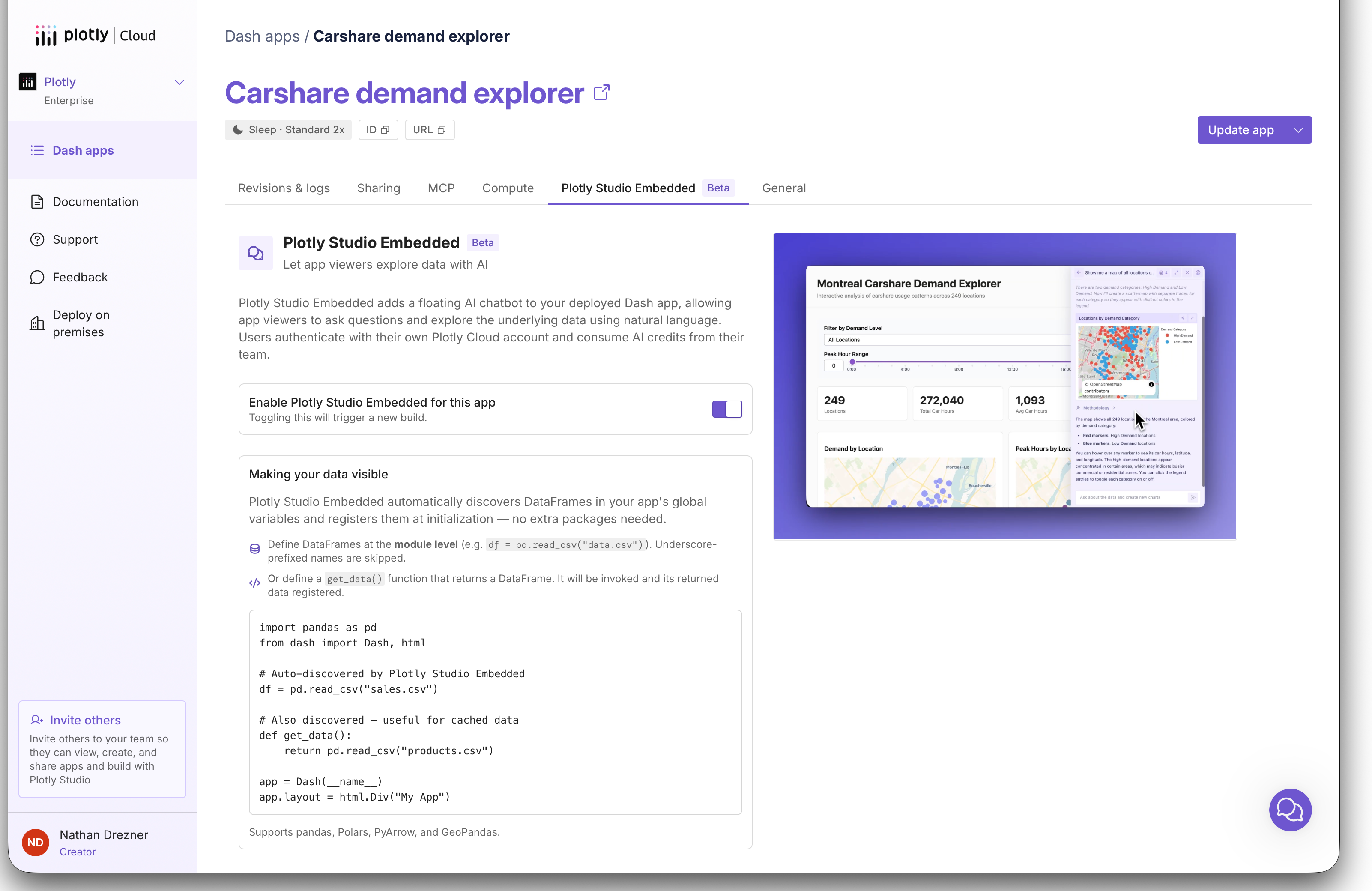
Once the build completes, the Studio Embedded chat appears in the published app for all viewers.
Controlling the Data That Viewers Can Explore
Studio Embedded automatically registers dataframes in your app’s global variables when the app initializes, making them available to the chatbot. No extra packages are needed.
Automatic data registration works for most apps: any dataframe defined at the module level (for example, df = pd.read_csv("data.csv")) is registered. Underscore-prefixed names, like _df, are skipped. If your app’s data isn’t stored in a dataframe variable, define a get_data() function that returns the dataframe. The function is invoked once, when the app initializes, and its returned data is registered alongside the module-level dataframes. Registered data reflects its state at initialization: changes to the data while the app runs aren’t picked up by the chatbot. This is useful for cached data.
Studio Embedded supports pandas, Polars, PyArrow, and GeoPandas dataframes. The app’s Plotly Studio Embedded tab shows which datasets are registered.
import pandas as pd
from dash import Dash, html

# Automatically registered
df = pd.read_csv("sales.csv")

# Also automatically registered (useful for cached data)
def get_data():
    return pd.read_csv("products.csv")

# Not registered because of the underscore prefix
_df = pd.read_csv("internal.csv")

app = Dash(__name__)
app.layout = html.Div("My App")
...